When people think about computer security, they picture laptops and email. But two recent articles by Mike Fitzpatrick, founder and CEO of the independent cyber risk firm NCX Group, are a good reminder that the risk in a small office is often hiding in plain sight: in the TV on the wall and in the updates nobody got around to installing. Here’s what he found, and what we recommend our customers do about it.
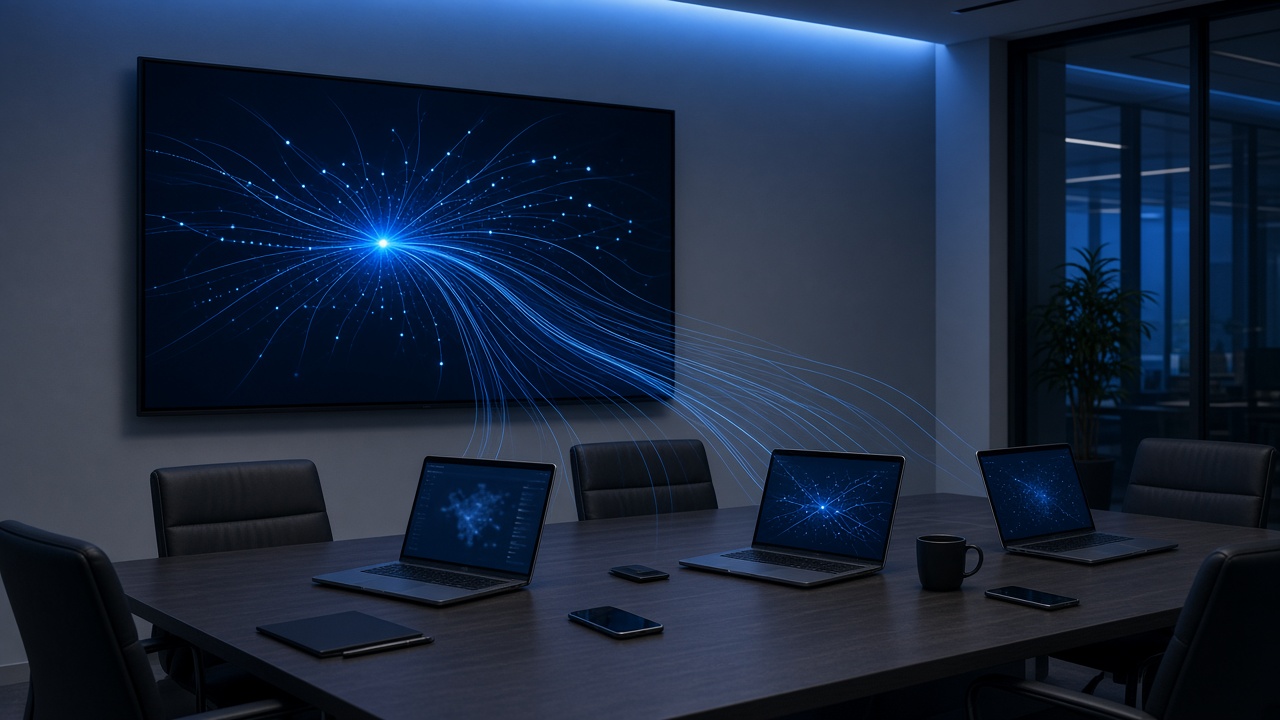
In Your Conference Room TV Works for Someone Else, Fitzpatrick breaks down a Gamers Nexus investigation into LG smart TVs. The researchers bought new TVs off the shelf, watched their network traffic, decompiled the firmware, and tested them in a lab.
The findings he summarizes are hard to ignore for any business with a smart TV in a lobby, clinic, or boardroom:
He’s careful to note this isn’t just one brand. Content recognition is standard across the industry, Vizio settled with the FTC over it in 2017, and Texas has sued several TV makers over the practice. His point: “None of that requires a hacker. That’s the product working as designed.”
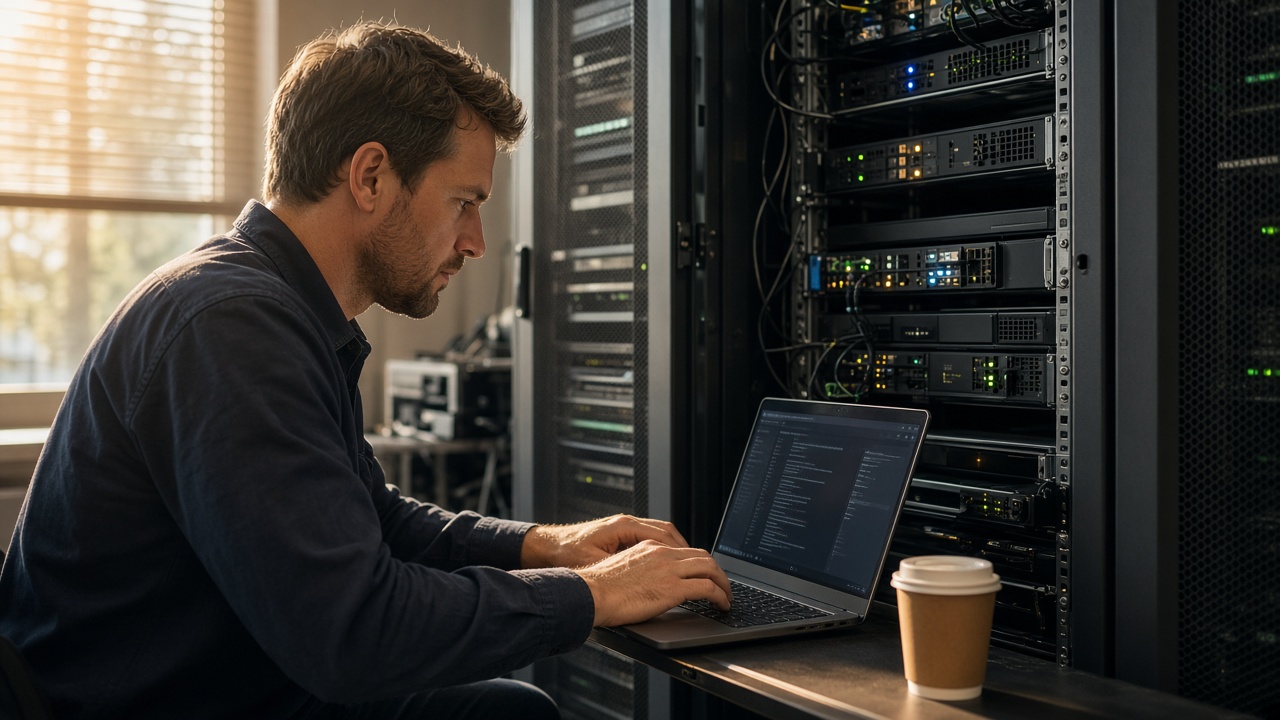
In Back to Basics: Security First, Fitzpatrick describes how Microsoft released emergency .NET fixes in October and told everyone to install them even if they had already patched, because two of the earlier fixes didn’t fully work. Businesses with a tested emergency process were done within hours. Everyone else spent the day figuring out which systems even ran .NET.
In The Man Who Owns the Storm Cellar Just Told Us to Take Cover, he adds the bigger picture: a PHP flaw found with the help of AI drew millions of attack attempts within a day of going public, and the 2026 Verizon Data Breach Investigations Report found only 26% of the most dangerous known flaws were fully fixed last year. Attackers move in hours, and most companies fix in weeks.
Fitzpatrick calls this being “brilliant at the ordinary,” and we couldn’t agree more. You can read more of his work on the NCX Group articles page, his LinkedIn articles, and his LinkedIn profile.
Need help locking down your office network, smart TVs, or update process? Affordable Computer Doctor can audit your devices, set up a separate network for TVs and smart gadgets, and get your computers patched and backed up. Contact us to schedule a visit.